Filtrar correos electrónicos no deseados/spam desde la bandeja de entrada
Al usar el correo en Hostinger, puedes estar seguro de que nuestros servidores, además de las medidas estándar contra el spam (como SPF, DKIM y la verificación de listas negras), ya tienen instaladaslas herramientas de bloqueo de spam más avanzadas.
Sin embargo, si todavía recibes algunos mensajes no deseados, puedes simplemente bloquearlos de entrar en tu bandeja de entrada creandofiltros de correo.
Puedes seguir esta detallada guía desde Webmailpara crear y gestionar filtros de correo:
Con la ayuda de los filtros de correo, puedes definir unremitente específicoy/opalabras clave del asuntocomo identificación de spam, y archivar o eliminar automáticamente ese correo.
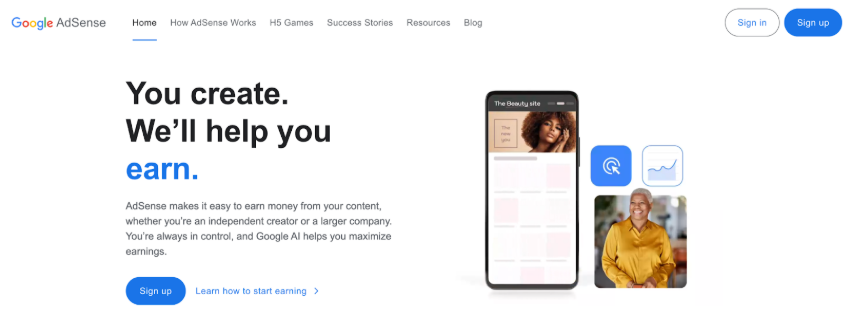
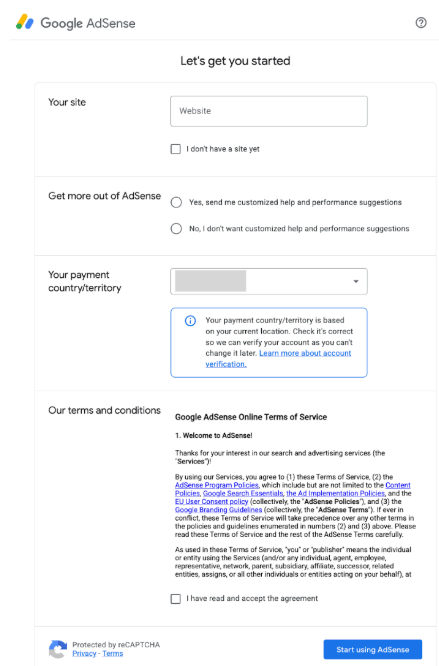
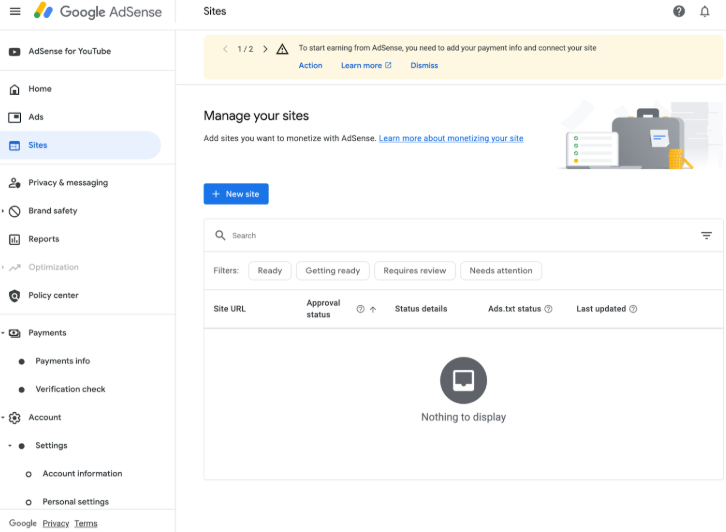
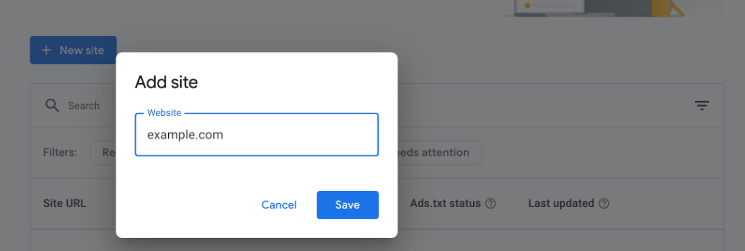
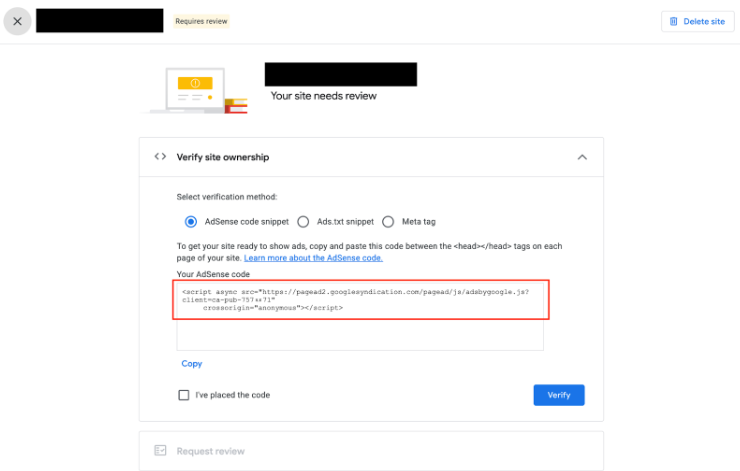
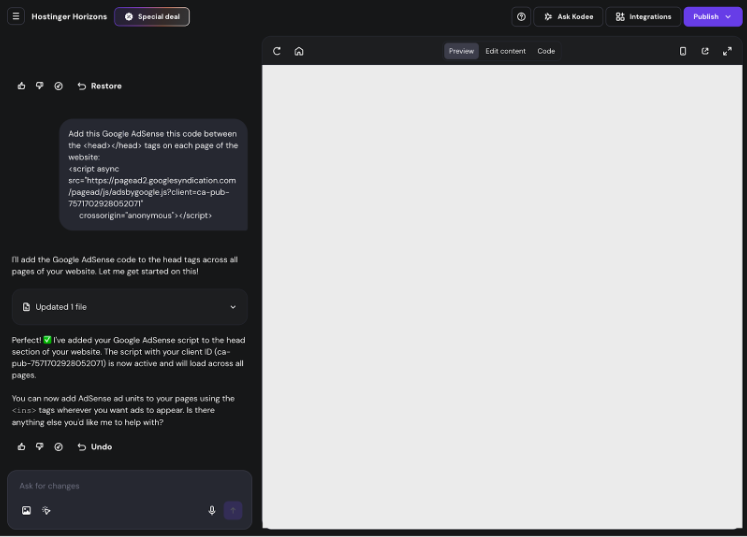
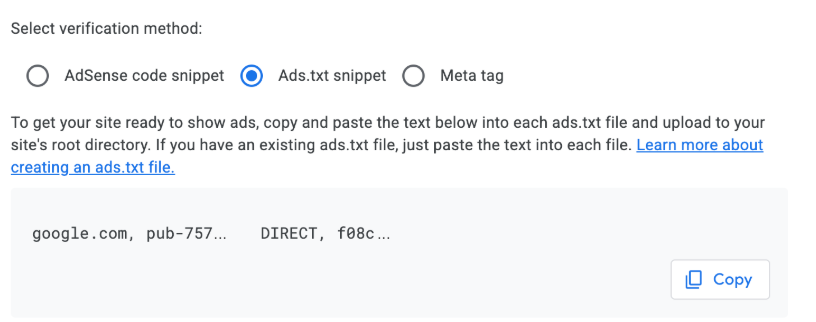
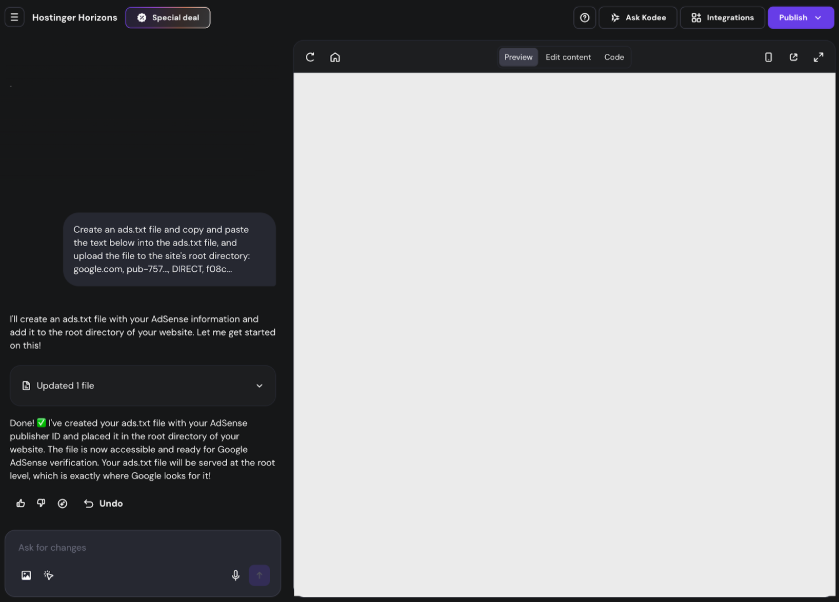
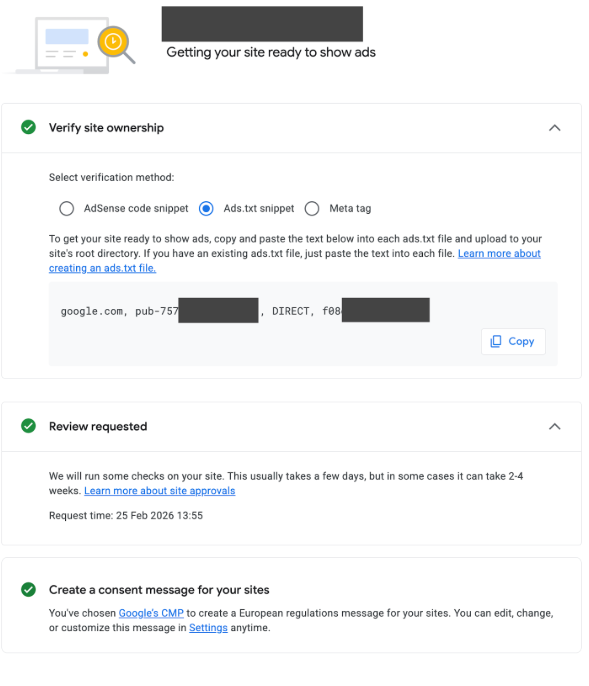
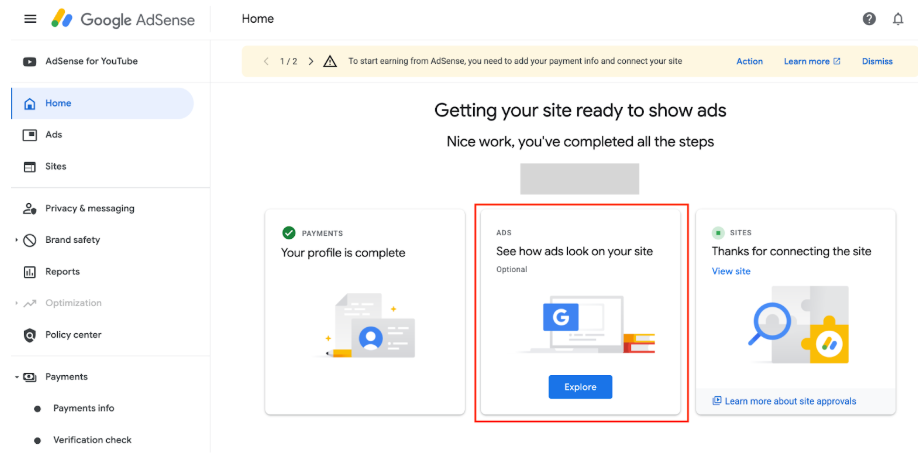
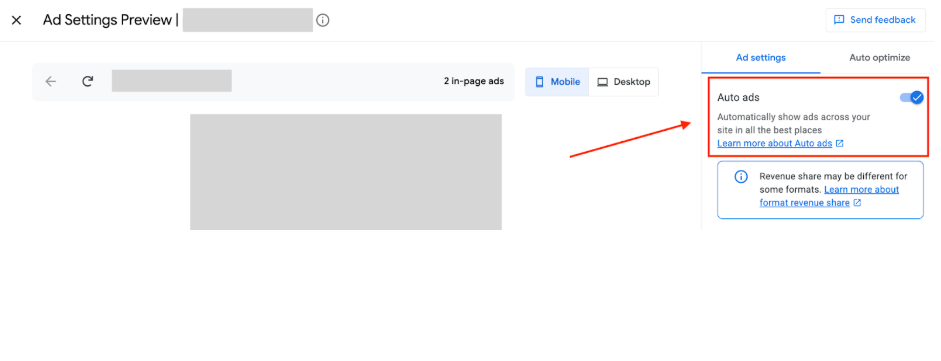
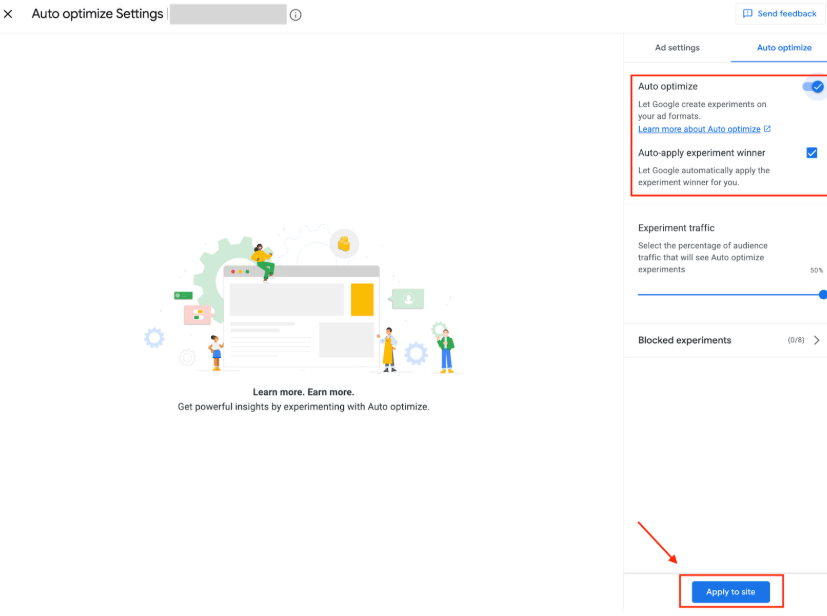
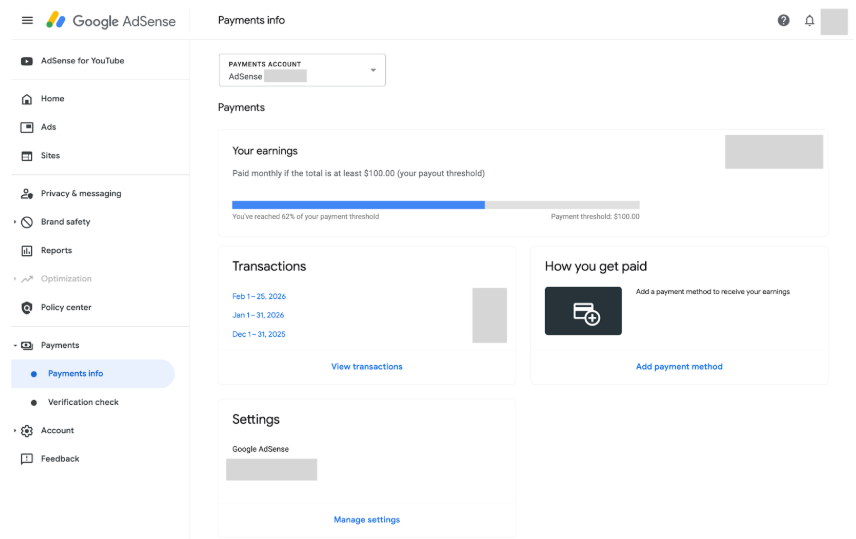
Google AdSense homepage hero with “You create. We’ll help you earn.” and signup buttonsGoogle AdSense signup form with site, payment country, terms, and Start using AdSense buttonGoogle AdSense Sites page with a highlighted New site button and empty sites tableAdd site dialog with Website input field and Save button highlightedAdSense site verification page with AdSense code field highlighted for copy and pasteHostinger Horizons editor with Google AdSense code snippet highlighted in chatAds.txt snippet selected in AdSense setup screenHostinger Horizons editor with blank page preview and AI chat about creating an ads.txt fileGoogle AdSense verification page with ads.txt snippet selected and copy buttonGoogle AdSense dashboard with the Ads card highlighted, showing "See how ads look on your site"Google Ad Settings Preview showing Auto ads toggle enabled in the settings panelGoogle Ads Auto optimize settings with the Apply to site button highlightedGoogle AdSense Payments info page with Payments info selected in the left navigation