Si tu plan es Web Premium o superior, puedes acceder al hosting a través de SSH. El acceso de SSH está limitado a tu directorio principal y sus subdirectorios.
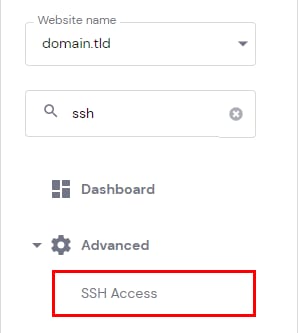
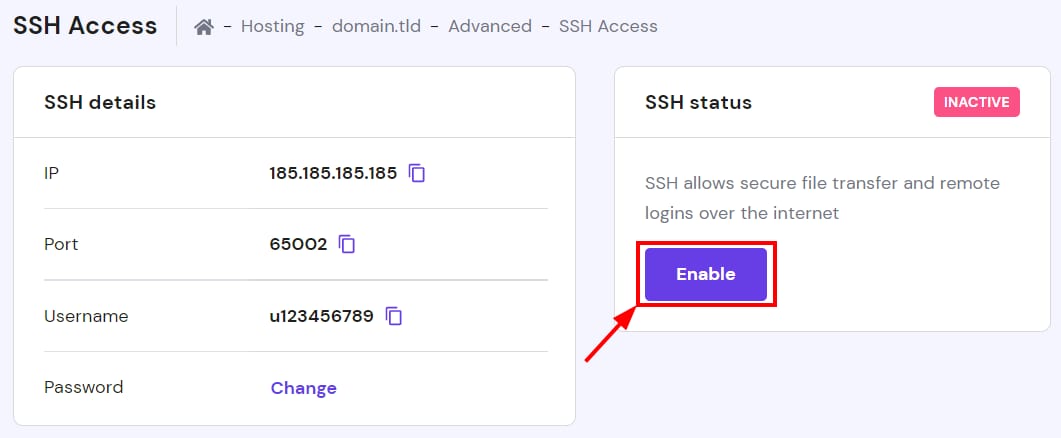
Antes de establecer la conexión SSH, es necesario activarla: ingresa a Sitio web (Websites) → Panel (Dashboard), encuentra SSH Access en la barra lateral y haz clic, luego en el estado de SSH haz clic en "Habilitar (Enable)".
Si tu plan es Single y realmente necesitas el acceso SSH, puedes considerar actualizar tu plan.
Fuente: documentación oficial de Hostinger