Cambiar la versión de PHP a través de cPanel
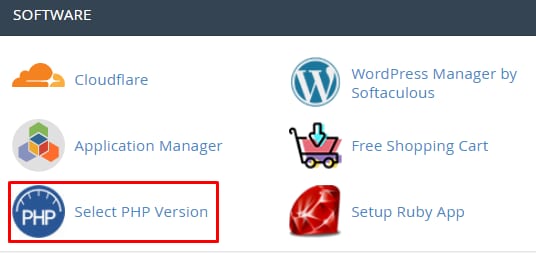
Puedes cambiar la versión de PHP de tu cuenta de host en cualquier momento, solo necesitas acceder acPanel→Softwaresección →Seleccionar versión de PHP:
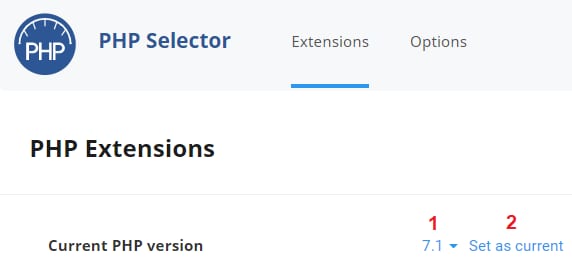
En la nueva página que se abre, selecciona la versión de PHP que deseas usar y haz clic enEstablecer como actual:
¡Listo! Ahora sabes cómo cambiar la versión de PHP 😊
Nota:
Fuente: documentación oficial de Hostinger