Crear una firma de correo en cPanel
Puedes crear unafirma de correopara la cuenta de correo cPanel mediante el cliente de correo Roundcube.
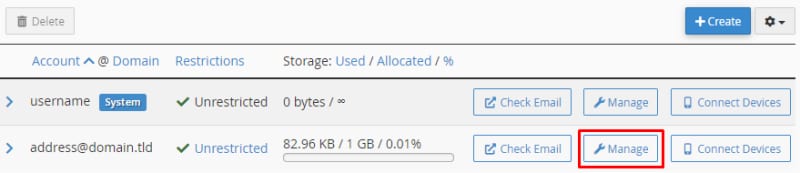
Accede a la secciónEmail Accountsde la cuenta cPanel, y haz clic enManagejunto a la cuenta de correo:
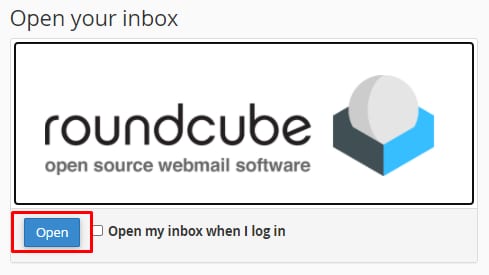
SeleccionaCheck Email, desde allí puedes acceder a Roundcube:
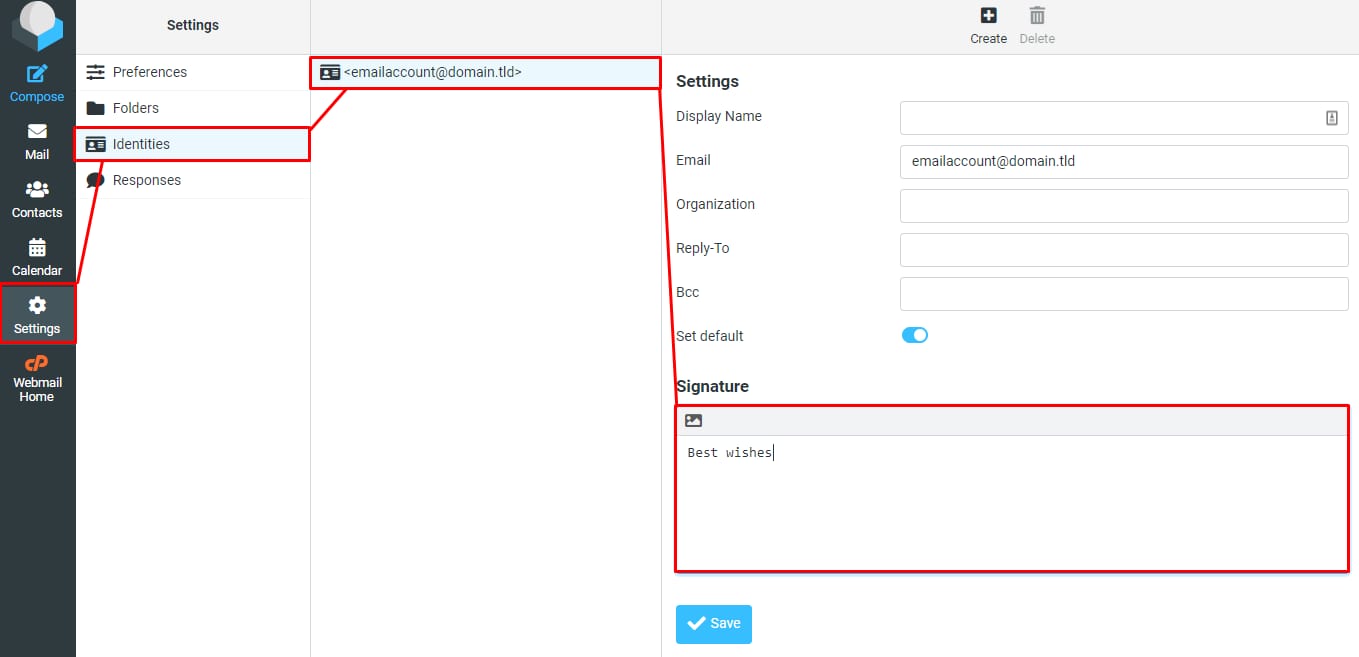
En la interfaz webmail de Roundcube, ve aSettings→Identities, desplázate hacia abajo hasta encontrar la firma de correo:
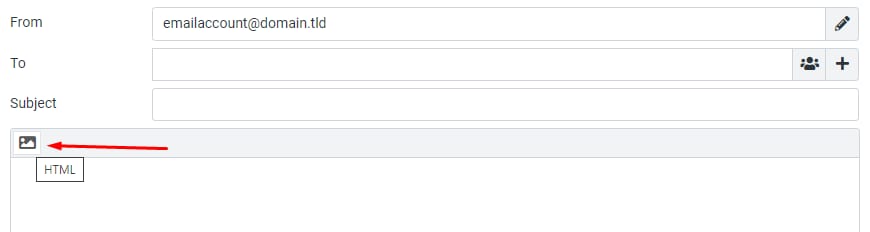
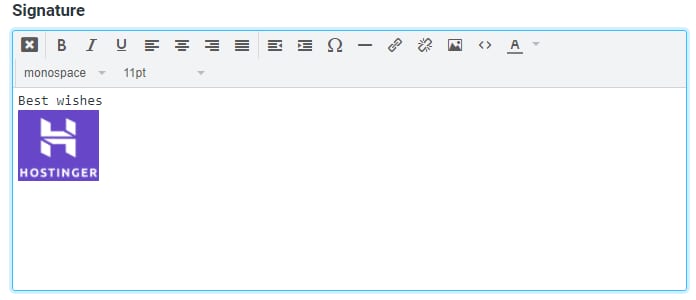
Introduce tu firma en texto plano. O bien, puedes hacer clic en el ícono de imagen para habilitar la HTML firma:
Ahora puedes agregar texto formateado e imágenes a la firma:
Después de confirmar que no hay errores, haga clic enGuardarpara aplicar la firma a todos los correos electrónicos nuevos.
Fuente: documentación oficial de Hostinger