Utiliza Titan Mail para crear un reenviador interno.
Un reenviador interno es una buena manera de reenviar correos electrónicos de una dirección de correo a otra.
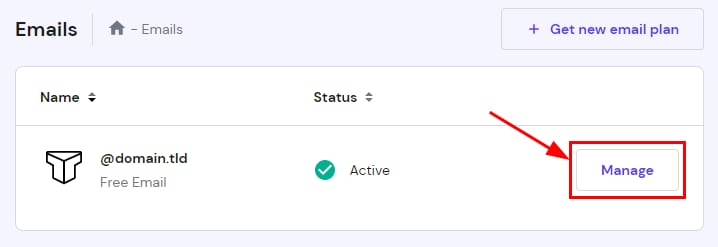
Para crear un reenviador interno usando Titan Mail, accede aMail (Emails)sección y haz clic enAdministrar (Manage)junto al dominio correspondiente:
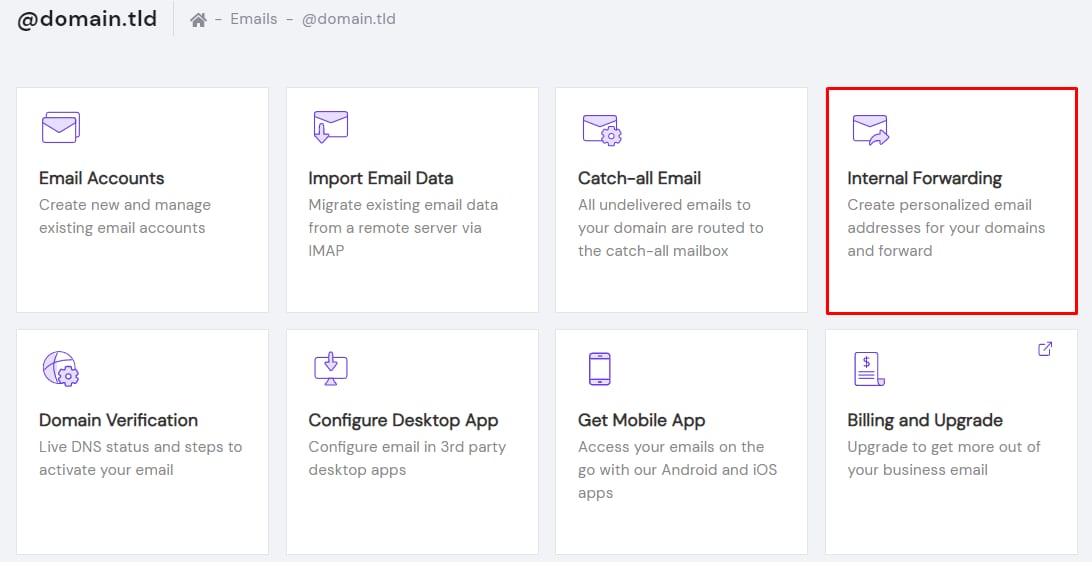
Luego, haz clic enReenvío interno (Internal Forwarding):
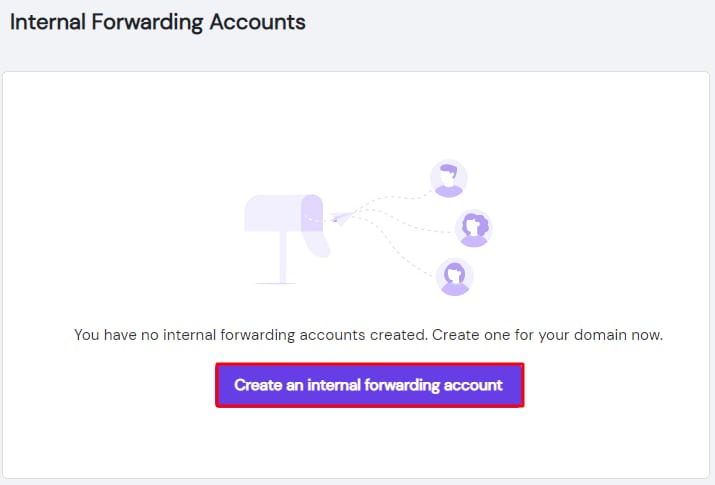
SeleccionaCrear una cuenta de reenvío interno (Create an internal forwarding account):
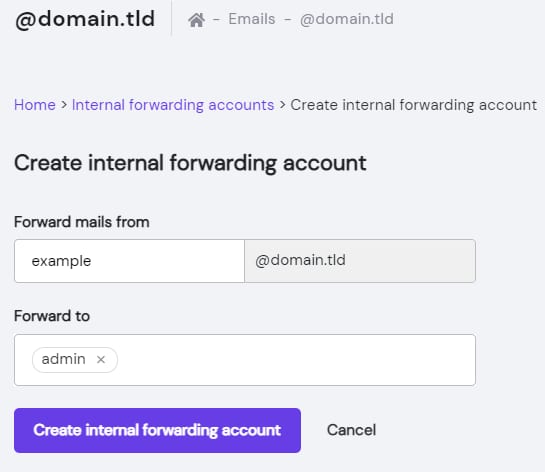
Ahora, especificaDirección de origen (FROM)y elige uno de tus buzones existentes comoDirección de destino (TO)para el reenvío. Finalmente, haz clic enCrear cuenta de reenvío interno (Create internal forwarding account):
Ahora ya sabes cómo crear un reenviador interno usando Titan en Hostinger 😊
Fuente: documentación oficial de Hostinger