Renovar Hostinger el servicio Google Workspace.
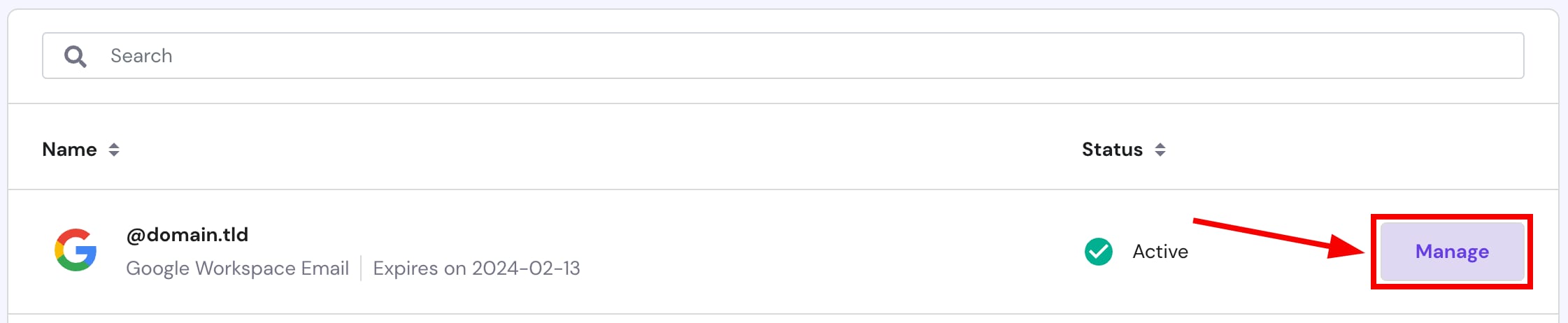
Puedes renovar en cualquier momento tuGoogle Workspaceplan de correo. Cómo hacerlo: accede aCorreo (Emails)sección, haz clic junto al servicio correspondiente enAdministrar (Manage):
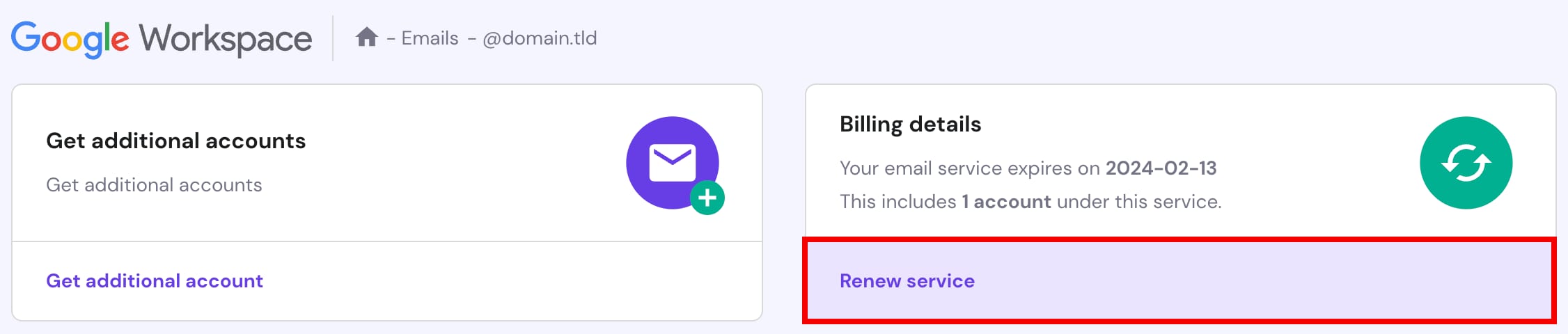
Luego, haz clic enRenovar servicio (Renew service):
Finalmente,completar el pago (proceed with the payment). ¡Así de simple!😊
Atención
- Si tuGoogle Workspaceplan haexpirado, puedescomprar un nuevo
Fuente: documentación oficial de Hostinger